How to prioritize listings when backfilling missing imagery fields
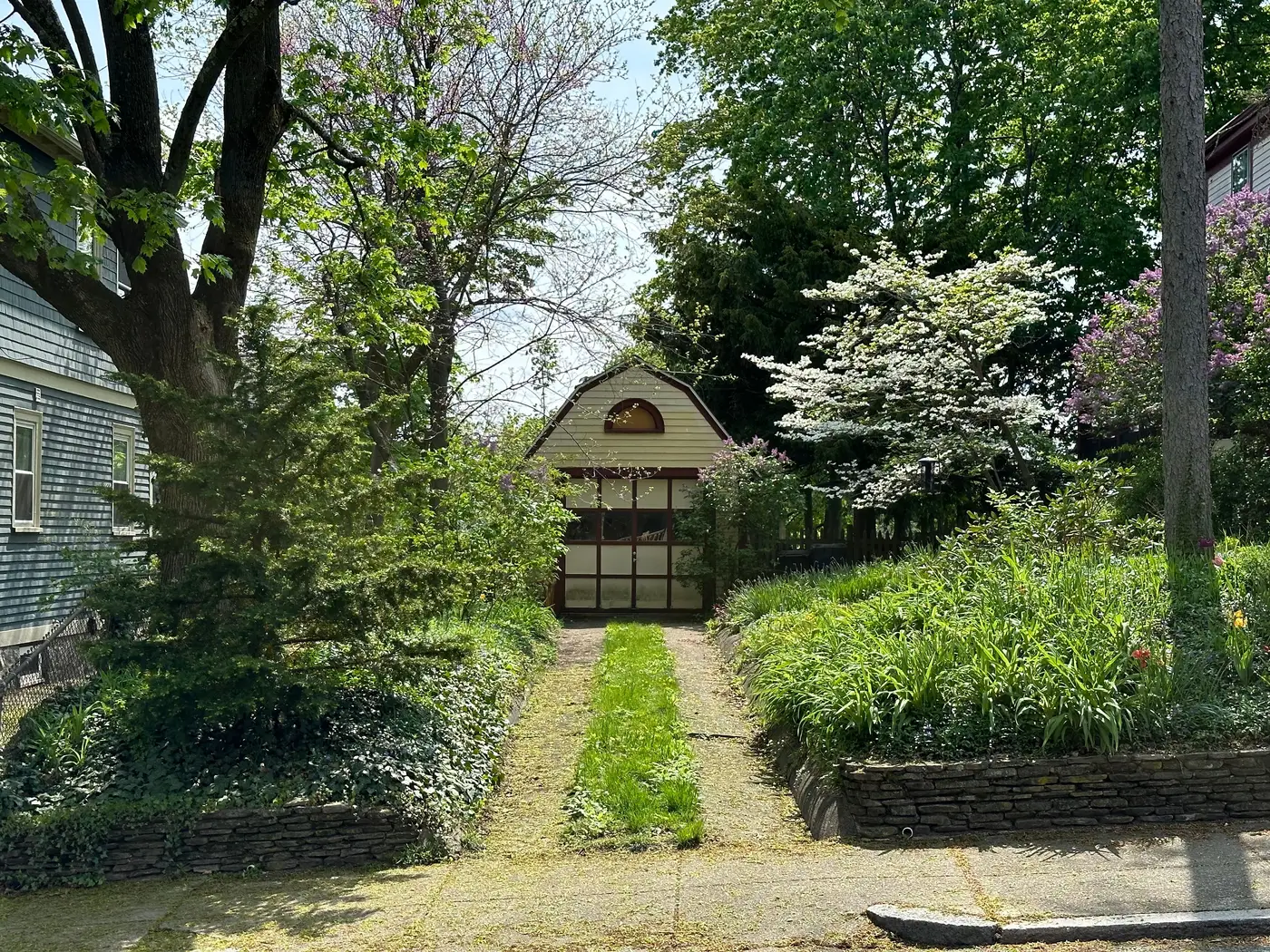
You inherit a portfolio of 400,000 listing records and someone finally asks why the pool field is blank on 60% of them. Nobody budgeted time to review every photo by hand, and nobody's going to. The real work is deciding which records to backfill first.
Here's a working order that holds up for both uses: filling gaps for an AVM and cleaning up a portal's listing display.
Start with the fields your model actually leans on
Not every missing attribute costs you the same amount. A missing pool flag or garage count moves a comp-based valuation more than a missing tree-cover note does. If you're backfilling for an AVM, pull the field importance ranking from your valuation model first, then build your review queue around the two or three attributes that actually swing price, not the full attribute list.
If you're backfilling for listing display rather than valuation, the priority flips toward whatever shows up in buyer-facing filters: driveway, garage, pool. Outbuildings and lot condition matter but rarely drive a search filter, so they can wait a pass.
Rank by staleness, not alphabetically or by record ID
A legacy listing portfolio accumulates records at wildly different ages. A property photographed or reviewed eight years ago is a different problem than one updated last spring. Pull a last-reviewed-date field if you have one; if you don't, use sale date or listing date as a proxy instead. Records untouched since before the area's most recent renovation cycle (call it five to seven years, depending on your market) are the ones most likely to have a pool, addition, or outbuilding that simply isn't in your database at all. Those get reviewed before anything flagged "updated this year."
Price volatility is a second useful filter. A record sitting in a ZIP code where comps have moved sharply in either direction is worth more review time than one in a flat market, because the stale attribute is more likely to be masking a real valuation error rather than a cosmetic gap.
Use parcel size as a cheap pre-filter
Before anyone opens a single photo, run a parcel-size or lot-size cut across the portfolio. Lots under a certain threshold (quarter acre is a reasonable starting cut in most suburban markets) are statistically unlikely to carry a detached garage, outbuilding, or pool, so backfilling those fields there is lower value per record reviewed. Push review effort toward larger parcels first. It's a blunt filter, but it's free, and it keeps a reviewer from spending ten minutes confirming "no pool" on a 0.1-acre townhome lot.
A practical order for a large legacy portfolio
Put it together and the queue looks something like this:
- Records missing a field your valuation model weights heavily (pool, garage count).
- Among those, records not reviewed in the last five-plus years.
- Among those, records in ZIPs with the most comp movement in the past 12 months.
- Among those, records on parcels above your area's median lot size.
- Everything else, worked through on a rolling basis rather than all at once.
That order gets the highest-value, highest-risk gaps closed first and pushes low-value, low-risk gaps to a background queue instead of treating every blank field as equally urgent.
Where manual review stops scaling
This approach works fine for a few thousand records a reviewer can get through in a quarter. It breaks down once your backfill list runs into the tens or hundreds of thousands, because the queue itself, not the prioritization logic, becomes the bottleneck. At that scale the better fix is skipping the photo-by-photo review entirely and pulling driveway, garage, outbuilding, pool, tree cover, and lot condition as attribute fields keyed to your existing property IDs, refreshed on a yearly cycle from aerial imagery instead of someone's judgment call on a listing photo from six years ago.
If your backfill list is long enough that prioritization has become its own project, it might be worth seeing what gets filled automatically before you staff up the review queue.